
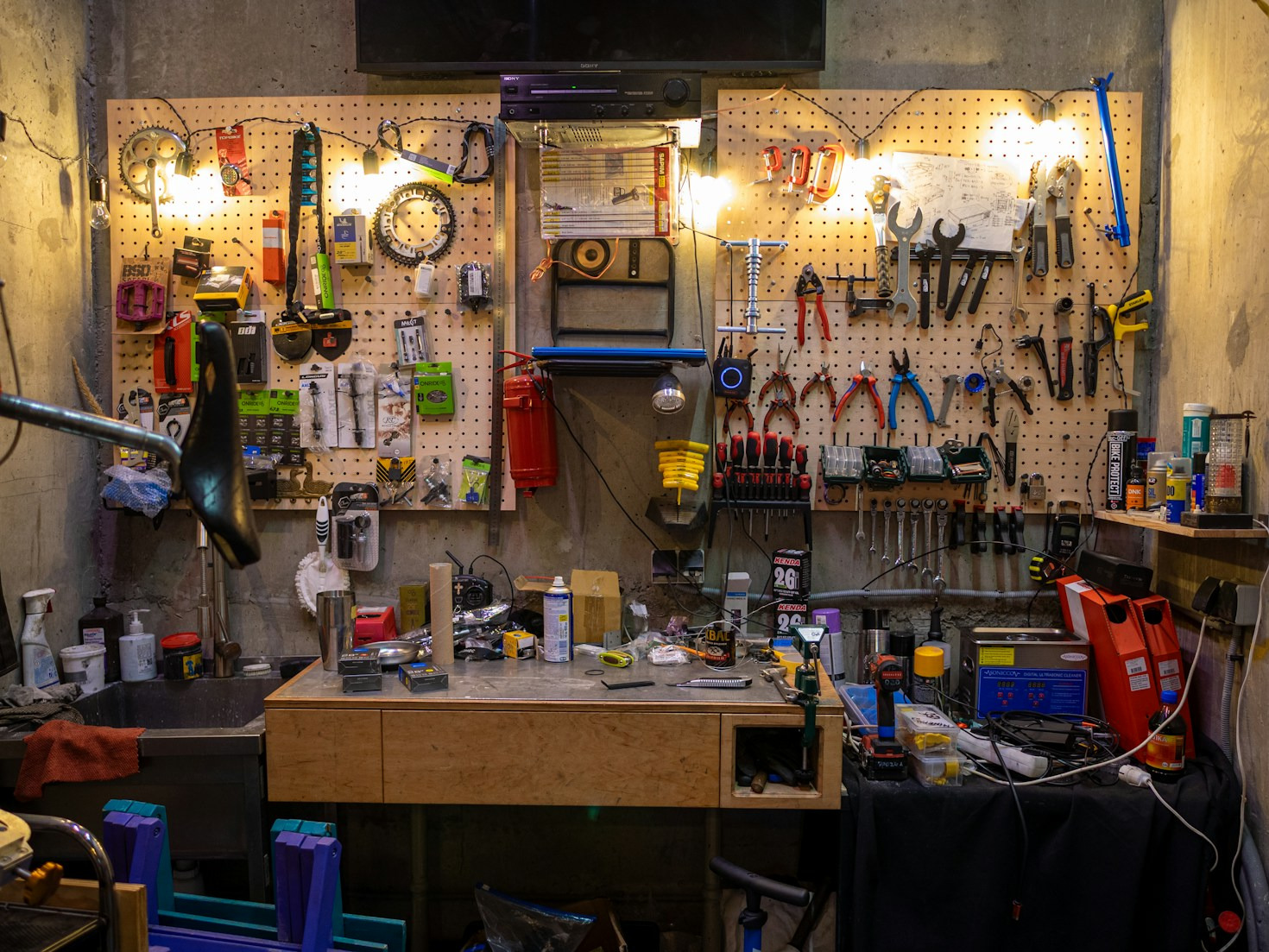
Make or repair started when I finished working. I trained initially in electronics, moved through some manufacturing work and ultimately into government employment where I migrated fairly naturally toward computing and project management. During this period I secured a degree in information technology, so that is AI for industrial uses, embedded prgramming, the technology of communications and such-like as well as a fair anmount of programming, development and such-like. I moved on to study at a masters level.
When my employer decided to centralise operations I chose to retire and get back to my earliest interests; electronics, photography, mechanics, woodwork and lately ceramics.
Now early in my career I was lucky to have people who shared experience and knowledge freely. I learned so much from them and they got very little recognition – but as I approached the end of my own career I realised I had become one of them and to a large degree that guiding, helping and explaining was perhaps the part that I enjoyed most!
It is very satisfying to see other people take on your experience and put it to use successfully.
Choosing to start Make or Repair was a little daunting. It involved me learning more skills (shooting, editing, producing…) and investing in equipment. Not to mention exposing my repair attempts to the world at large. But the drive was really to provide a new outlet to share experiences, knowledge and an attitude about “I don’t know how but I soon will” . I knew I would be making things, repairing them, taking them apart and so on. Deciding to share that with others was really an obvious step for me.
Make or Repair is not an instruction or tutorial site, it is me sharing my experiences as I make and repair things
I don’t really script videos – you can proably tell – that is not the essence of sharing what I’m doing. But turning a messy – head scratching repair into a sensible video turns out to be an interesting and skilful discipline in it’s own right. I’m certainly enjoying trying to refine my video making both in terms of content and the technical production side.
I used to produce my videos in power director, but I got fed up with the upgrade path and endless technical problems so I looked around and decided to try out Davinci Resolve (Free edition) which is like moving from playing with a toy to a massive and professional tool. I got to grips a little then decided to do the free downloadable course and exams – and that made a massive difference. Ulimately I upgraded to the paid (pay once forever) studio licence to gain handy things like AI dialog isolation – goodbye to excessive fan and ventilation noise.
For those interested: I currently typically use the following:
- 2 sony cameras (one 4k over shoulder, one 1080p overhead bench camera. They are both remote control and stream to a desk.
- A lot of lighting
- Rode wireless lapel mic
- Rode Shotgun mic and amplifier
- Blackmagic ISO switch desk (4 channel video+ audio, 2 dedicated channel audio all recording simultaneously and syncronised
- Blackmagic Davinci Studio Editing software
- Of course in addition thermal camera, interfaces to capute PC screens and test gear, 20Mpixel still camera, microscope and a little camera that can poke into tight places!
- Rode NT-USB and NT-1A Microphoes and Focusrite Scarletti 2i2 amplifier for voice over and ADR
My intention was to shoot roughly on average 1 video every two weeks. That is completely within my capability but somehow recently everything keeps interferring with that. Hopefully in 2026 I’ll get back on track

What next
I have plenty of material to shoot, lots of repairs and quite a few projects to build. Over 2026 I hope to increase the release rate considerably. I’m also toying with a second channel to include other activities like ceramics, woodwork, 3D printing – so perhaps I’ll be rebranding Make or Repair (MOR) as MORe for the electronics and add a separate channel for Arts and crafts
Leave a Reply